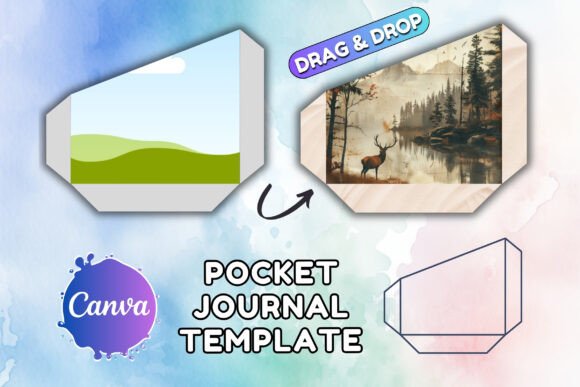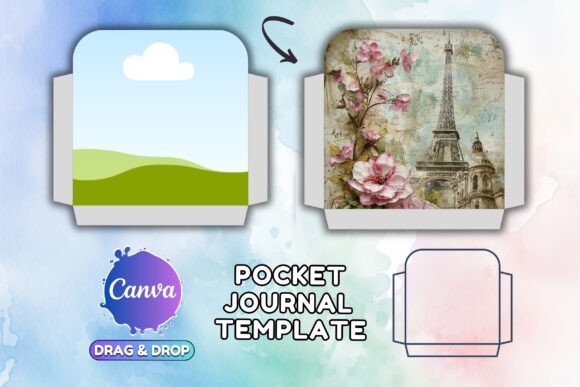
Canva POCKET Junk Journal Folio Template: A Hands-On Guide
There’s something deeply satisfying about a well-made junk journal. The layered textures, the unexpected pockets, the way it invites you to tuck in a ticket stub or a handwritten note. But starting from a blank page? That can feel intimidating, even for seasoned crafters. That’s where a thoughtful template comes in, not as a restrictive cage, but as a creative launchpad. The Canva POCKET Junk Journal Folio Template is exactly that: a digital foundation designed to mimic the charm of handmade paper crafts while leveraging the accessibility and power of modern design tools.
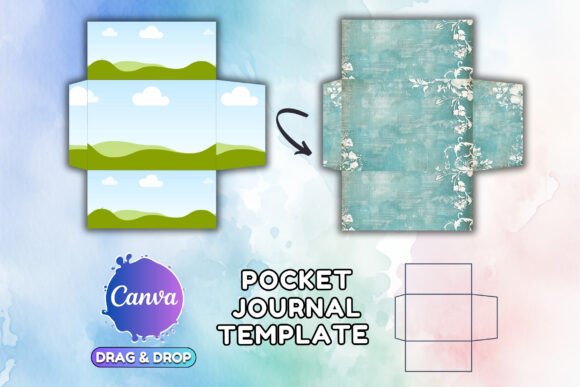
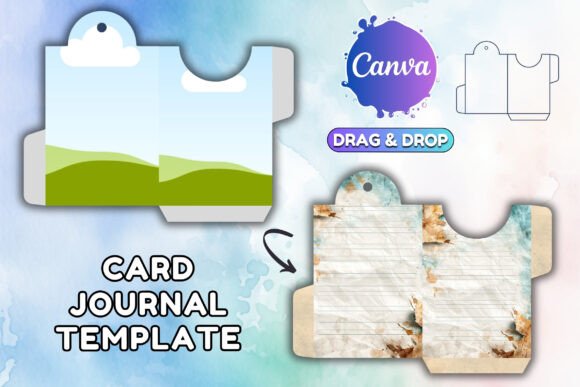
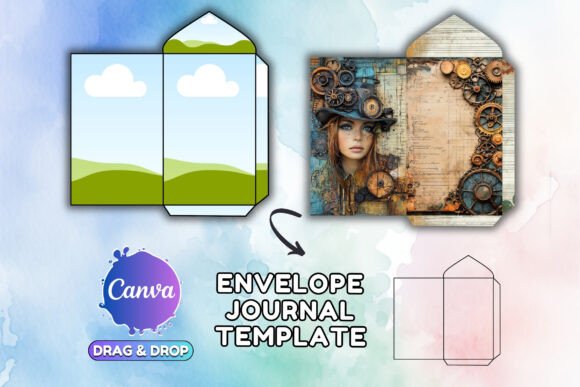
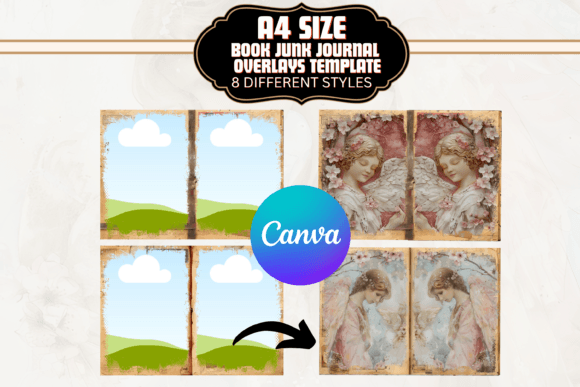
This isn't just another static PDF. Think of it as a key that unlocks a customizable workshop. You receive a single PDF containing direct access links. Click one, and you're transported into a fully editable Canva project. The template is provided in two essential versions: the international A4 standard and the common US Letter size. This consideration for global use is a practical touch that designers and small business owners will appreciate immediately. The visual personality of the template leans into a rustic, tactile aesthetic. It suggests worn paper, stitched edges, and a slightly imperfect, organic feel—perfect for projects that need to convey authenticity, warmth, and a handmade quality.
Where This Template Truly Shines
The strength of the Canva POCKET Junk Journal Folio Template lies in its versatility across a surprising range of projects. Its style isn't limited to literal journaling. Consider its application in brand identity for a small artisan bakery, a local florist, or a vintage shop. The folio design can become the core of a logo design concept, or form the basis of packaging inserts, thank-you cards, and loyalty program stamps. The pocket element is particularly clever for creating interactive marketing materials—imagine a brochure for a boutique hotel where a pocket holds a map of local trails, or a direct mail piece for a craft brewery with a pocket for a recipe card.
For content creators and bloggers, this template offers a quick way to design cohesive lead magnets, printable planners, or social media templates that have a distinct, recognizable style. Publishers can use it to create mockups for book covers or interior layouts that have a scrapbook or diary feel. Even in web design, the visual language—those layered edges and pocket shapes—can inspire UI elements for a portfolio site or an online store selling handmade goods. It bridges the gap between digital and print seamlessly. You design it on screen in Canva, then print it for a physical product, maintaining that handcrafted visual hierarchy and consistency.
Practical Guidance for Your Project
Before diving in, take a moment to evaluate if this is the right fit. Ask yourself: does the project need a serif font or sans serif font foundation for body text? This template likely pairs best with clean, simple typefaces to balance its ornate design. Think of it as a display font in template form—meant for impact and personality, not for setting long paragraphs of copy. Its strength is in editorial design and packaging design, where visual interest is paramount.
Once you're in Canva, the real work begins. The editable frames are your playground. You can insert your own artwork, logos, or photographs directly. A key tip: use Canva's image editing tools to apply filters or adjust the tone of your photos to match the template's vintage or rustic vibe. This creates consistency and strengthens the overall brand perception. For font pairing, consider using a simple sans serif font for any instructional text or details, and maybe a subtle script font or handwritten font for accents. The goal is readability—the pockets and layers provide the visual interest; your text needs to be clear.
From a licensing perspective, the terms are straightforward and generous for most uses. You can use the final designs you create for both personal and commercial purpose. This makes it a viable design asset for entrepreneurs and freelancers building social media graphics, client materials, or product inserts. The critical boundary is that you cannot resell, redistribute, or give away the original Canva template link or incorporate the base template file into another digital product for sale. You're licensing the tool to create your own unique works.
The Canva POCKET Junk Journal Folio Template is more than a shortcut. It's a catalyst for creating tangible, engaging pieces that stand out in a digital-first world. It understands that sometimes, the most powerful design isn't the slickest or most minimalist, but the one that feels human, layered, and inviting to touch—even if that touch is just a click. Use it to tell a story, wrap a gift, or build a brand that feels genuinely crafted.